On and off when you want
Turn the receptionist off from the dashboard as soon as you can answer yourself.
Every call is a customer. We always answer for you.
A call, SMS, or email arrives through your CallWays number or inbox.
The customer is matched with earlier conversations and your current instructions.
The receptionist gathers what is needed and continues under your rules.
The contact and follow-up land in the same customer history in the dashboard.
One receptionist on every channel, with the same customer history behind it.
Answers, books and puts calls through to your phones.
Confirmations and reminders, and replies when customers text back.
Answers the inbox in your tone, from your own address.
A chat on your website that knows the same things.
CallWays adapts to your information, workflows, and customer requests instead of forcing every business into the same script.
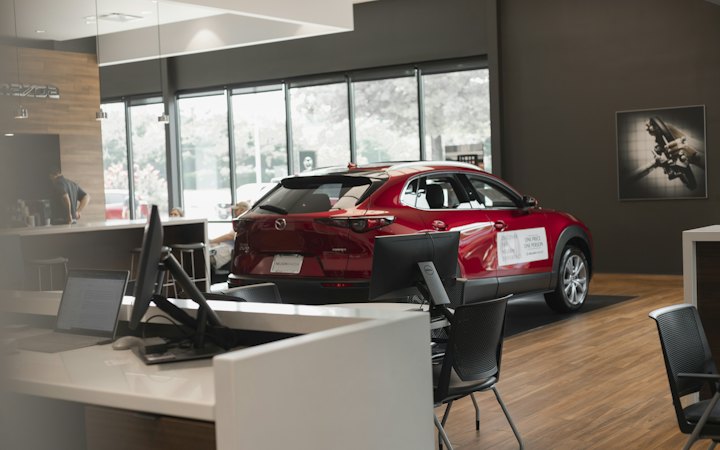 Car dealersTest drives, trade-ins and service, even when the sales team is busy.
 Equipment rentalAvailability and reservations, straight into your rental system.
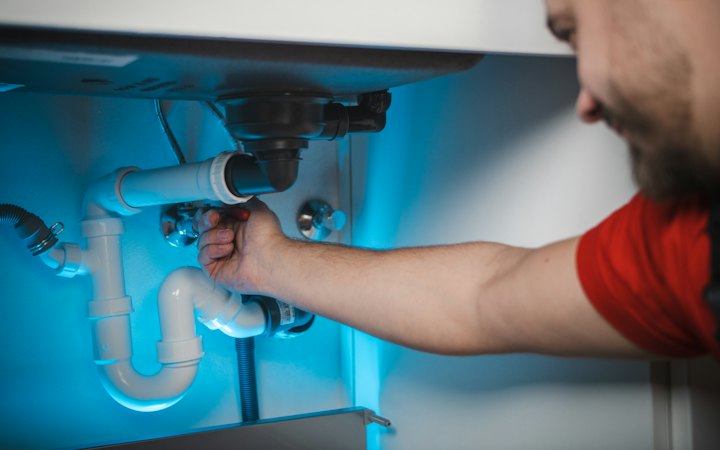 TradesElectricians, plumbers and carpenters who can’t answer from a ladder.
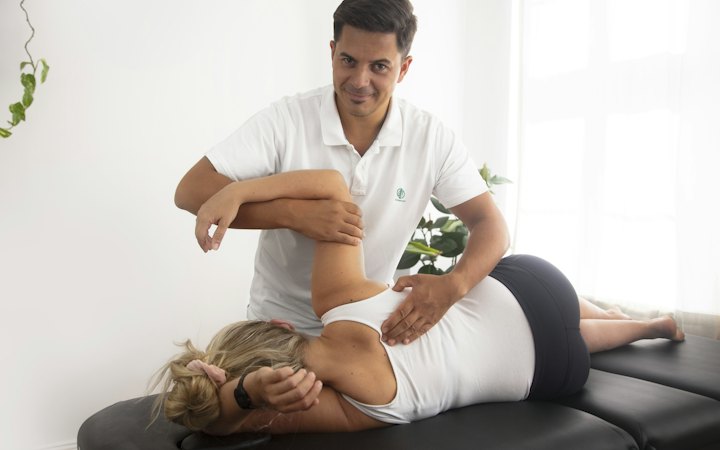 Health clinicsBookings and rebookings, with full control over patient data.
 Veterinary clinicsBookings and questions, and urgent calls straight to your staff.
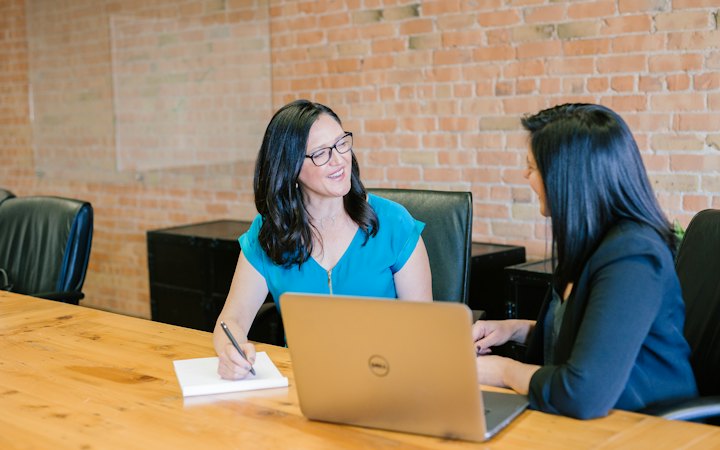 Insurance agenciesClaims and callbacks, routed to the right handler.
 BanksAdviser meetings and everyday questions, with the rules in place.
 E-commerceOrders, returns and product questions, on every channel.
The receptionist works under your rules. Switch it off when you can take the call yourself, and choose which channels stay on.
Turn the receptionist off from the dashboard as soon as you can answer yourself.
Enable inbound and outbound voice, SMS, and email separately.
Every business has its own instructions, contact routes, and customer history.
No. It handles inbound and outbound voice, SMS, and email. You can control each direction separately.
Yes. It speaks short, natural, professional Swedish.
If they have been in touch before, the new contact is matched to that history, whether it comes in by phone, SMS, email, or web chat.
Yes. You switch it on and off from the dashboard. Administrators choose which channels stay active.
Fill in the form and we’ll get back to you, go through how the business works, and show a setup that fits.
Tell us how you take customer contact today. We’ll show what CallWays would look like for you.
Book a demo